
ChatGPT Workflows for Architects: 10 Ways to Save Time Every Day
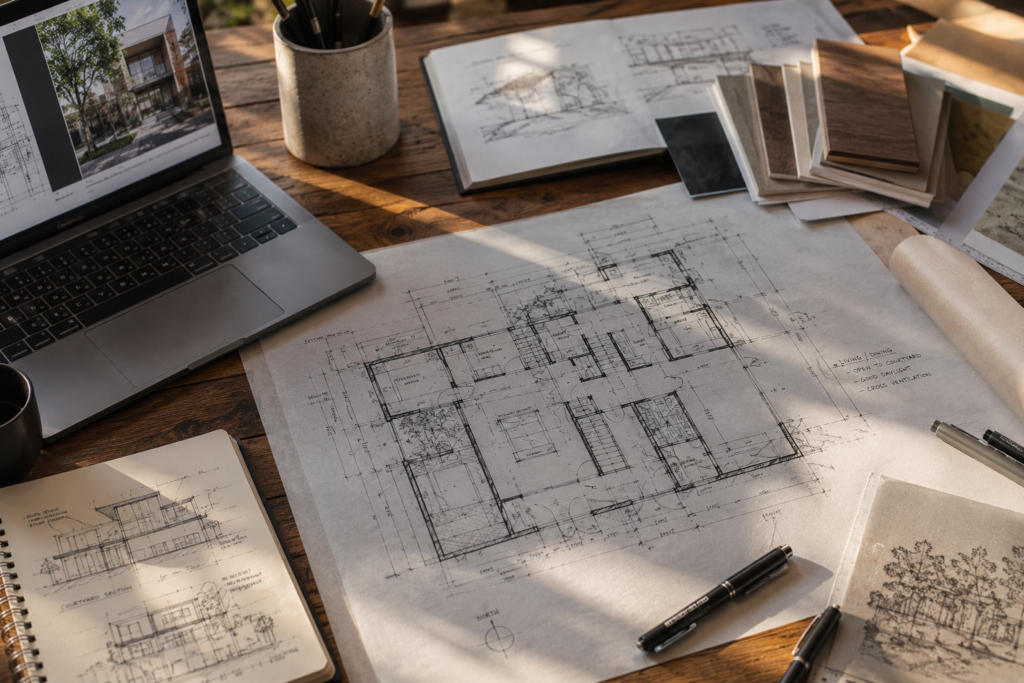
A practical, role-by-role guide to building real ChatGPT workflows into an architecture practice — from morning inbox triage to client-ready documentation — without compromising design judgment.
Why This Matters
Architecture has always carried two jobs at once: the creative work of design, and the administrative weight of running a practice. Drawing sets, client emails, code research, meeting notes, and proposal writing eat into the hours that should go toward the actual building. Most architects did not choose this profession to spend a third of their week formatting documents.
ChatGPT workflows for architects are not about replacing design thinking. They are about removing the repetitive, low-judgment tasks that surround it — so a sole practitioner in Chennai, a mid-size studio in Dubai, and a five-person team in Toronto can all reclaim hours every week without lowering the quality of their work.
💡 CALLOUT
A well-built AI workflow does not change what an architect designs. It changes how much of the day is left to design it.
Who Is This Guide For?
This guide is written for people who run architecture practices day to day — not for IT departments. The workflows below scale from a one-person studio to a multi-office firm.
🏛️
Architecture Students
Builds AI habits early — research, code-checking, and presentation prep — without leaning on AI for design decisions that should stay yours to make.
✏️
Sole Practitioners & Small Studios
Recovers the hours lost to admin and client back-and-forth, where there is no second person to delegate to.
🏢
Mid-Size & Large Firms
Standardizes how the whole team uses AI, so output stays consistent across project managers and junior staff.
📐
Project Managers & Coordinators
Speeds up meeting notes, consultant coordination, and status reporting — the tasks that pile up between design reviews.
Quick Navigation
| 1️⃣ Why Architects Are Turning to AI Workflows Section 1 — Where the time actually goes in a typical practice, and what ChatGPT can and cannot fix. | 2️⃣ The Daily AI Workflow Dashboard Section 2 — A four-block daily structure for using ChatGPT from morning inbox to evening wrap-up. |
| 3️⃣ The Prompt Stack Library Section 3 — Reusable prompt templates for concepts, client emails, code research, and specs. | 4️⃣ Automating Client Communication Section 4 — Turning meeting notes, proposals, and technical drawings into client-ready language. |
| 5️⃣ The Automation Matrix Section 5 — Which tasks to automate fully, which need human review, and which to keep entirely manual. | 6️⃣ The Architect Productivity Dashboard Section 6 — Metrics for time saved, quality control, and avoiding AI over-reliance. |
1. Why Architects Are Turning to ChatGPT Workflows
Before adopting any AI workflow, it helps to understand where the time actually goes. Most architects underestimate how much of the week is spent on tasks that have nothing to do with design — and this is exactly where ChatGPT workflows for architects make the biggest difference.
The Hidden Time Drain in Architecture Practice
A typical project involves dozens of small writing tasks: emails confirming site visit times, meeting summaries, specification notes, code-compliance checks, and proposal revisions. None of these require deep design judgment, but each one takes real time to write well.
Studios in India and Southeast Asia often run lean, with one or two people handling both design and client communication. In the Middle East, where project teams coordinate across multiple consultants and time zones, the volume of written communication multiplies. In Europe, North America, and Australia, documentation requirements for permits and heritage review add another layer of writing that has little to do with the building itself.
✅ TIP
Track your own time for one week before starting any AI workflow. Most architects find that 25 to 35 percent of their working hours go to writing, not designing — and that number rarely matches what they expected.
What “AI Workflow” Actually Means for Architects
An AI workflow is not a single clever prompt. It is a repeatable sequence: a trigger (a new email, a finished site visit, a client question), a prompt template, and a review step before anything goes out under your name. Without that structure, ChatGPT becomes one more tool used inconsistently — sometimes helpful, sometimes forgotten.
The workflows in this guide are built around four categories: drafting, research, translation between technical and plain language, and summarizing. These four cover the majority of writing tasks in an architecture practice, regardless of project size or location.
What ChatGPT Can and Cannot Do for Design Work
ChatGPT is a language model. It can draft, summarize, rephrase, and organize information well. It cannot see your site, understand your client’s unspoken priorities, or make a design decision that holds up against the actual constraints of a project. Treating it as a drafting assistant — not a design partner — keeps expectations realistic and the output usable.
💡CALLOUT
The architects who get the most value from ChatGPT use it to handle the writing around a decision, not the decision itself.
Setting Realistic Expectations Across Climates and Markets
A solo architect in a hot-dry climate city like Jaipur or Phoenix has different administrative pressure than a 40-person firm in temperate Melbourne or cold-climate Toronto. Smaller practices benefit most from drafting and triage workflows, since there is no second person to delegate to. Larger firms benefit more from standardizing prompts across the team, so a junior architect’s AI-assisted email reads the same as a partner’s.
⚠️ WARNING
Do not treat ChatGPT output as legally or technically final. Building codes, RERA disclosures, fire-safety clauses, and heritage requirements vary by city and change over time. Always verify against the current local code before sending anything to a client or authority.
2. Build Your Daily AI Workflow Dashboard
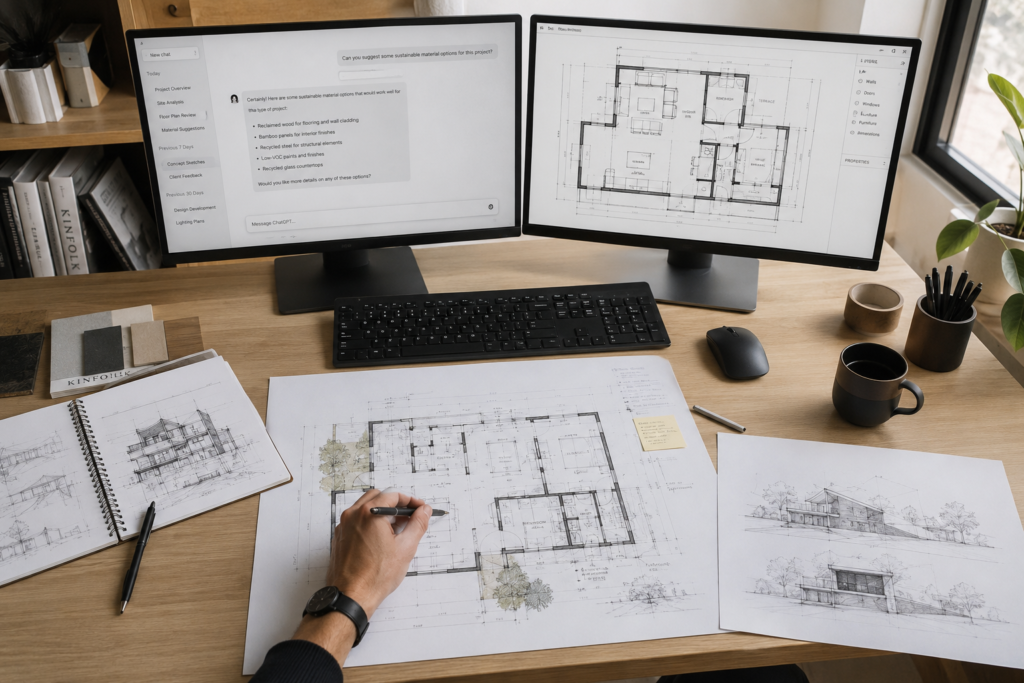
The single biggest reason AI tools fail to save time is inconsistency. A Daily AI Workflow Dashboard fixes this by assigning specific ChatGPT tasks to specific blocks of the day, so using AI becomes a habit rather than something you remember to do only when overwhelmed.
Morning Block — Inbox & Client Triage
Start the day by pasting overnight emails into ChatGPT and asking for a one-line summary of each, sorted by urgency. Use a saved prompt that drafts first-pass replies for routine requests — site visit confirmations, document requests, scheduling — so you are editing rather than writing from a blank page.
Midday Block — Drafting & Documentation
Midday is for the heavier writing: specification notes, meeting minutes from the morning’s calls, and draft sections of reports. This is also the best time to run code-research prompts, since you still have the mental bandwidth to verify ChatGPT’s answers against the actual code text rather than accepting them at face value.
Afternoon Block — Research & Coordination
Use the afternoon for consultant coordination: drafting RFIs, summarizing structural or MEP comments for the design team, and translating technical feedback into plain language for clients. This is where AI workflows save the most time on multi-consultant projects common in the Middle East and large North American firms.
Evening Block — Review & Next-Day Setup
Close the day with a 15-minute review of everything AI drafted, and set up tomorrow’s priority list. Ask ChatGPT to convert your rough end-of-day notes into a clean task list for the morning, so you start the next day already organized.
✅ TIP
Keep the dashboard on a single page — a notes app, whiteboard, or shared doc. The moment it requires opening a separate tool to check what to do next, the habit breaks down.
Sample Daily AI Workflow Dashboard
| Time Block | Primary Task | ChatGPT Role |
| 8:00 – 9:00 AM | Inbox & client triage | Summarize emails, draft routine replies |
| 9:30 – 12:00 PM | Drafting & documentation | Specification notes, meeting minutes, code research |
| 1:00 – 3:30 PM | Research & coordination | RFI drafts, consultant comment summaries |
| 4:30 – 5:30 PM | Review & next-day setup | Quality check on AI drafts, tomorrow’s task list |
3. The Prompt Stack Library
A Prompt Stack Library is a set of saved, reusable prompts organized by task type. Instead of writing a new prompt every time, you pull from a library that already works — the same way a firm reuses drawing templates instead of starting each sheet from scratch.
Concept & Narrative Prompts
These prompts help articulate design intent in writing — for competition narratives, design statements, or client presentations. Ask ChatGPT to expand a short list of design moves into a coherent narrative paragraph, then edit it down rather than accepting the first draft wholesale.
- “Expand these three design principles into a 150-word narrative for a client presentation: [list principles]”
- “Rewrite this design statement for a non-technical client audience, keeping it under 100 words.”
Client Communication Prompts
These cover the day-to-day emails that take disproportionate time: scheduling, scope clarifications, and gentle follow-ups on overdue payments or decisions. A good prompt specifies tone, length, and the one fact that must not be lost in editing.
- “Draft a polite follow-up email to a client who has not approved the material samples sent two weeks ago. Keep it under 120 words and friendly, not pushy.”
💡 CALLOUT
Always include the client’s name, project name, and one specific detail in your prompt. Generic prompts produce generic, copy-paste-sounding emails that clients notice immediately.
Technical & Code-Research Prompts
Code research is where AI workflows save the most time — and carry the most risk if used carelessly. The right prompt always asks ChatGPT to point to the specific clause or section, not just give a summarized answer you cannot verify.
- “What does [code name, e.g. National Building Code of India 2016] say about minimum staircase width for residential occupancy? Quote the specific clause number.”
⚠️ WARNING
Never submit AI-generated code interpretations directly to a client or authority without checking the cited clause yourself. Codes are updated, vary by jurisdiction, and ChatGPT can misattribute or generalize requirements.
Documentation & Specification Prompts
Specification writing is repetitive by nature, which makes it well suited to AI drafting. Use prompts that ask for a specific format — a table, a numbered list, a short paragraph — so the output drops into your existing templates with minimal reformatting.
- “Write a short material specification note for [material] suitable for a [climate type] climate, in the format of a 3-bullet summary.
✅ TIP
Store your Prompt Stack Library in a shared document the whole team can access and edit. The best prompts usually come from refining a colleague’s version, not writing from scratch.
4. Automating Client Communication and Documentation
Client communication is often the most time-consuming, least design-related part of running a project. Done well, AI workflows here free up hours without making client interactions feel impersonal or templated.
Meeting Notes to Action Items
Record or jot down rough meeting notes, then ask ChatGPT to convert them into a structured action list with owners and deadlines. This turns a 45-minute meeting into a five-minute documentation task instead of a 30-minute one.
- Paste raw notes and ask: “Convert these meeting notes into an action item list with owner and deadline columns.”
Drafting Proposals and Scope Letters
Build one strong base proposal template, then use ChatGPT to adapt the language for each new client — adjusting tone for a first-time homeowner versus a repeat commercial client — while you keep full control over fees, scope, and terms.
💡 CALLOUT
Never let AI generate fee numbers or contractual terms. Use it only for the surrounding language — the scope description, project background, and tone — while you set every number yourself.
Translating Technical Drawings into Plain Language for Clients
Clients often struggle to read plans and sections. Describe the drawing in your own technical shorthand, then ask ChatGPT to rewrite it in plain language a homeowner can understand — useful for presentation decks and email updates alike.
- “Rewrite this technical note in plain language for a client with no architecture background: [paste note]”
✅ TIP
Keep a short “client glossary” of terms you always want explained the same way — like “cantilever” or “load-bearing wall.” Feed it to ChatGPT so explanations stay consistent across projects.
Climate-Specific Communication Examples
In hot-humid markets like Mumbai or Singapore, client emails often need to explain ventilation and moisture strategy in approachable terms. In cold-climate markets like Toronto or northern Europe, the equivalent explanation covers insulation and heat-loss decisions. The same AI workflow handles both — only the technical content in the prompt changes.
⚠️ WARNING
Do not send AI-translated technical explanations to a client without checking that the simplified version has not dropped a safety-relevant detail. Plain language should simplify wording, not omit substance.

5. The Automation Matrix — Mapping Tasks to AI Tools
Not every task in an architecture practice should be automated the same way. An Automation Matrix sorts tasks into three honest categories, so the decision of what to hand to AI is made once, deliberately, rather than case by case under deadline pressure.
Tasks Safe to Automate Fully
These are low-risk, high-repetition tasks where a mistake is easy to catch and low-cost: formatting meeting notes, drafting routine scheduling emails, summarizing long email threads. Errors here rarely affect safety, cost, or client trust in a serious way.
Tasks That Need a Human-AI Loop
This is the largest category: client proposals, technical translations, specification first drafts, and code-research summaries. AI drafts, a human verifies and edits, and only the human-approved version goes out. This loop is where most of the time savings in this guide come from — not from removing the human, but from removing the blank page.
Tasks That Should Stay 100% Human
Design decisions, structural and life-safety judgments, fee negotiations, and anything requiring a professional seal or stamp stay entirely human. No AI workflow should touch these — not because AI is incapable of producing plausible-sounding text, but because the cost of an undetected error is too high.
⚠️ WARNING
Never automate any task that carries legal liability — fee agreements, code-compliance certifications, structural sign-offs — even partially. The Automation Matrix exists specifically to draw this line before a project, not during one.
Sample Automation Matrix
| Task Type | Automation Level | Example Tasks |
| Fully Automatable | AI drafts, light or no review | Meeting note formatting, routine scheduling emails, thread summaries |
| Human-AI Loop | AI drafts, human edits & approves | Client proposals, spec first drafts, code-research summaries, plain-language translations |
| 100% Human | No AI involvement | Design decisions, structural sign-offs, fee terms, code-compliance certification |
Building Your Own Matrix
List every recurring task your practice handles in a month. Sort each one into the three categories above as a team, not individually — a junior architect and a partner often disagree on where a task belongs, and that conversation is worth having before a mistake forces it.
✅ TIP
Revisit your Automation Matrix every quarter. As your team gets more comfortable verifying AI output, some Human-AI Loop tasks may safely shift toward Fully Automatable — but only after a track record, not assumption.
6. The Architect Productivity Dashboard — Measuring What Matters
A workflow that nobody measures tends to quietly disappear after a few weeks. An Architect Productivity Dashboard keeps the habit alive by tracking a small number of metrics that actually reflect time saved and quality maintained — not vague impressions of “feeling more efficient.”
Time Saved Metrics
Track time spent on a handful of recurring task types — meeting notes, client emails, spec drafts — before and after adopting AI workflows. A simple weekly log of “minutes spent” per task type, even self-estimated, reveals real patterns within a month.
Quality Control Checkpoints
Pair every time metric with a quality check: how many AI-drafted emails needed major rewrites versus light edits, and how many code-research answers needed correction after verification. If quality checkpoints start slipping, that is the signal to slow down, not speed up.
💡 CALLOUT
Time saved only counts if quality holds. A workflow that saves 20 minutes but creates a client-facing error costs far more than 20 minutes to fix.
Team-Wide Adoption Tracking
In firms with more than a few people, track which team members are actively using the Prompt Stack Library and Automation Matrix versus working around them. Inconsistent adoption is more common than outright resistance, and usually means the prompts or templates need to be easier to find, not that the team needs convincing.
Avoiding Over-Reliance and Burnout from “AI Guilt”
Some architects report a strange new stress: guilt over using AI for tasks they used to do “properly,” or anxiety about whether using it makes them less of a designer. This is worth naming directly. Using ChatGPT to draft a routine email is no different from using a drawing template — it is a tool for repetitive work, not a replacement for design judgment.
⚠️ WARNING
Watch for the opposite failure mode too: relying on AI drafts so heavily that review steps get skipped under deadline pressure. Build review time into your schedule as a fixed block, not something squeezed in only when there is time left.
Sample Architect Productivity Dashboard
| Metric | How to Track It | Review Frequency |
| Time saved per task type | Self-logged minutes, before vs. after | Weekly |
| AI draft quality | % of drafts needing major rewrite | Weekly |
| Team adoption | Active users of prompt library / total team | Monthly |
| Review compliance | % of AI drafts that received human review before sending | Weekly |

30-Day Action Plan
Adopting ChatGPT workflows works best in stages. Trying to implement all six sections at once usually fails within a week. This plan spreads adoption across four weeks, building one habit before adding the next.
| WEEK 1 — Set Up the Basics • Track your current time spend on writing tasks for a full week. • Build your first three Prompt Stack entries: one client email, one meeting-notes prompt, one code-research prompt. • Set up a single-page Daily AI Workflow Dashboard with your four time blocks. |
| WEEK 2 — Build the Habit • Use the Morning and Evening blocks daily, even on light days. • Add two more prompts to your library based on what you wrote manually last week. • Run your first Human-AI Loop on a real client proposal. |
| WEEK 3 — Map Your Automation Matrix • List every recurring task type from the past two weeks. • Sort each task into Fully Automatable, Human-AI Loop, or 100% Human as a team. • Flag any task currently being over-automated and correct it. |
| WEEK 4 — Measure and Adjust • Set up your Architect Productivity Dashboard with the four core metrics. • Run your first weekly quality-control review of AI-drafted work. • Decide which workflows to keep, which to refine, and which to drop. |
Frequently Asked Questions
Is it safe to use ChatGPT for architecture code research?
ChatGPT can speed up the research step, but it should never be your final source for code compliance. Always ask for the specific clause cited and verify it against the current local code text yourself, since codes vary by jurisdiction and change over time.
Will using ChatGPT workflows make my client communication feel impersonal?
Not if you keep a human review step in place. AI works best as a first draft generator — you still add the specific details, tone adjustments, and personal touches that make an email feel genuinely written for that client.
How much time can a small studio realistically save with these workflows?
Most sole practitioners and small studios report recovering several hours a week once the Daily AI Workflow Dashboard and Prompt Stack Library are in regular use, primarily from faster email drafting and meeting-note conversion.
Should every team member use the same prompts?
Yes, for client-facing communication. A shared Prompt Stack Library keeps tone and quality consistent across junior staff and partners, which matters more as a firm grows beyond a one or two-person team.
What tasks should never be automated, even partially?
Design decisions, structural and life-safety judgments, fee negotiations, and anything requiring a professional stamp or seal should stay entirely human, as outlined in the Automation Matrix in Section 5.
Quick Wins Checklist
Short on time? Start with these five changes before reading further. Each one takes under fifteen minutes to set up and saves time from the first day.
| ✓ Create one saved ChatGPT prompt for turning meeting notes into action items. |
| ✓ Build a standard scope-letter template you can adapt per project in minutes. |
| ✓ Set up a daily 15-minute inbox triage block using AI-drafted first responses. |
| ✓ Save a code-research prompt that always asks for the source clause, not just an answer. |
| ✓ Schedule one weekly 20-minute review of everything AI drafted that week. |
Continue Exploring
This article is part of ARCNET’s AI Workflows content cluster under the Tools category. Related reading to go deeper:
- Building a Prompt Library for Architecture Practices (AI Workflows cluster)
- How to Brief AI Tools Without Losing Design Control (AI Workflows cluster)
- Climate-Responsive Documentation: What Changes by Region (Climate-Responsive Design cluster)
- Running a Lean Architecture Studio: Systems Over Hustle (Practical Architecture cluster)
Call to Action
Download the free AI Workflow Planner
— a printable, fillable companion to this guide with your own Daily Dashboard, Prompt Stack template, Automation Matrix, and Productivity Dashboard ready to customize for your practice.